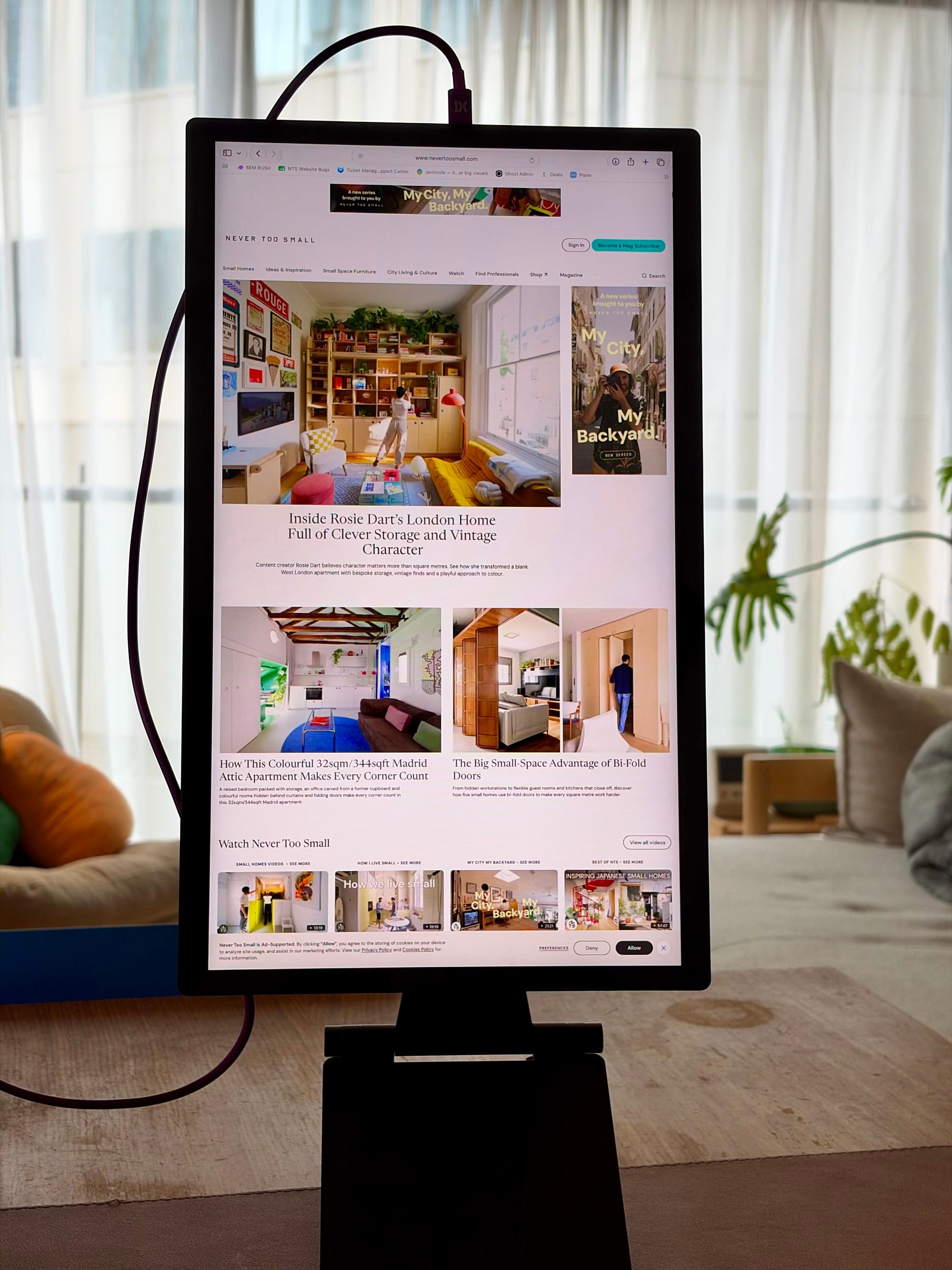


After seven months in my backpack, the espresso Lite 15 has become a useful companion for everyday work, keeping reference material and messages alongside my laptop.
I liked the espresso Pro 15, but its price made me more protective of it than I’d expected. I wanted a screen I could put in my backpack and take wherever I was working, without feeling quite so precious about it.
The espresso Lite 15 has been that screen for me. I’ve had it since March, and after roughly seven months of carrying it around, mine has survived without scratches or dents.
Essentials
- Display: 15.6-inch, 16:9 LCD.
- Resolution: 1920 × 1080 Full HD at 60Hz.
- Brightness: 400 nits
- Colour coverage: 100% sRGB.
- Touchscreen: No.
- Display weight: 700g.
- Stand weight: 565g.
- Materials: PC/ABS plastic body and glass screen.
- Connections: Two USB-C ports with power passthrough.
- Orientation: Landscape or portrait.
- Colours: Black, White, Orange, Mint and Purple.
- Included: Display, Stand+, 1m USB-C cable and microfibre cleaning cloth.
- Display warranty: Two years.
Living with it
Having a second screen makes a big difference to how I work. I usually keep whatever I'm editing on my MacBook, whether that's code, images or video. The Lite displays the things I want to review or refer to, along with chat messages.
That separation means I can keep my main task in front of me without continually switching away to find something else. The extra screen space makes me feel much more productive.
I use the Lite in both landscape and portrait, depending on what I'm doing and how much space I have available. Being able to rotate the screen or adjust its position with the stand makes it even more versatile.
A design I prefer
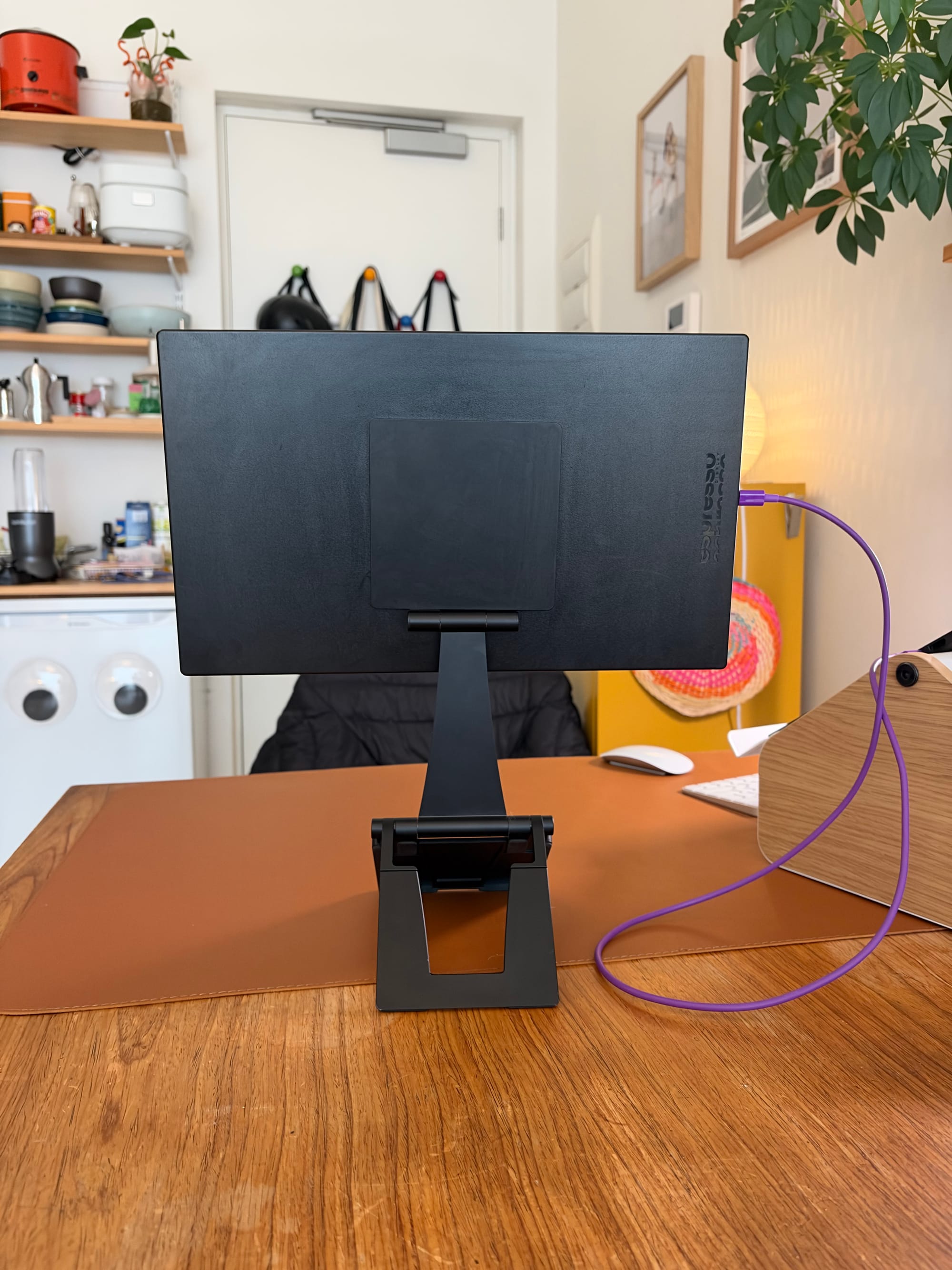
One little detail I like in particular with this display is the even bezel around the display. My Espresso Pro has a thicker bezel along the bottom, whereas the Lite's frame is consistent all the way around.
There's also no branding on the front. It's kept to the back, leaving the screen and its frame visually simple.
I chose black because I thought it would be the most versatile. After seeing the other colours out in the wild, I'd happily reconsider. Orange is particularly appealing - I like having a choice between the usual black or silver.
The plastic body makes me feel more comfortable putting it in my backpack and taking it everywhere. My own unit has held up well, which has helped me feel less protective of it.
At 700g, the display itself is lightweight. The stand adds another 565g, bringing the two together to 1.26kg before the cable or a case. That's worth keeping in mind when thinking about what you'll actually want to carry around.
The screen in everyday use
Beside my MacBook Pro, the difference in screen quality is noticeable. But the Lite is good enough to read from, which is what I mainly need from my second screen.
I keep my editing work on the MacBook and use the Lite for reference material, reviewing content and messages. For that supporting role, I don't need the two displays to look identical.
This is a Full HD display rather than a 4K one. My experience with it has been about having more room for everyday tasks, rather than using it as my primary photo or video editing screen.
Flexible setup
The Lite comes with the same magnetic Stand+ I use with my espresso Pro 15. It was one of my favourite parts of that setup, so I'm glad to see it included here too. You can position the display beside your laptop or raise it above the laptop screen, with the option to switch between landscape and portrait.
I've covered the stand in more detail in my espresso Pro 15 review, the same flexibility is just as useful here. It allows me to arrange the Life around what I'm doing and the space available.
With a compatible laptop, a single USB-C cable carries video and power. The port needs to support video output and supply enough power. The display's second USB-C supports power passthrough, so a suitable charger can connect through the display to supply power to both the screen and your laptop.
Using espressoFlow
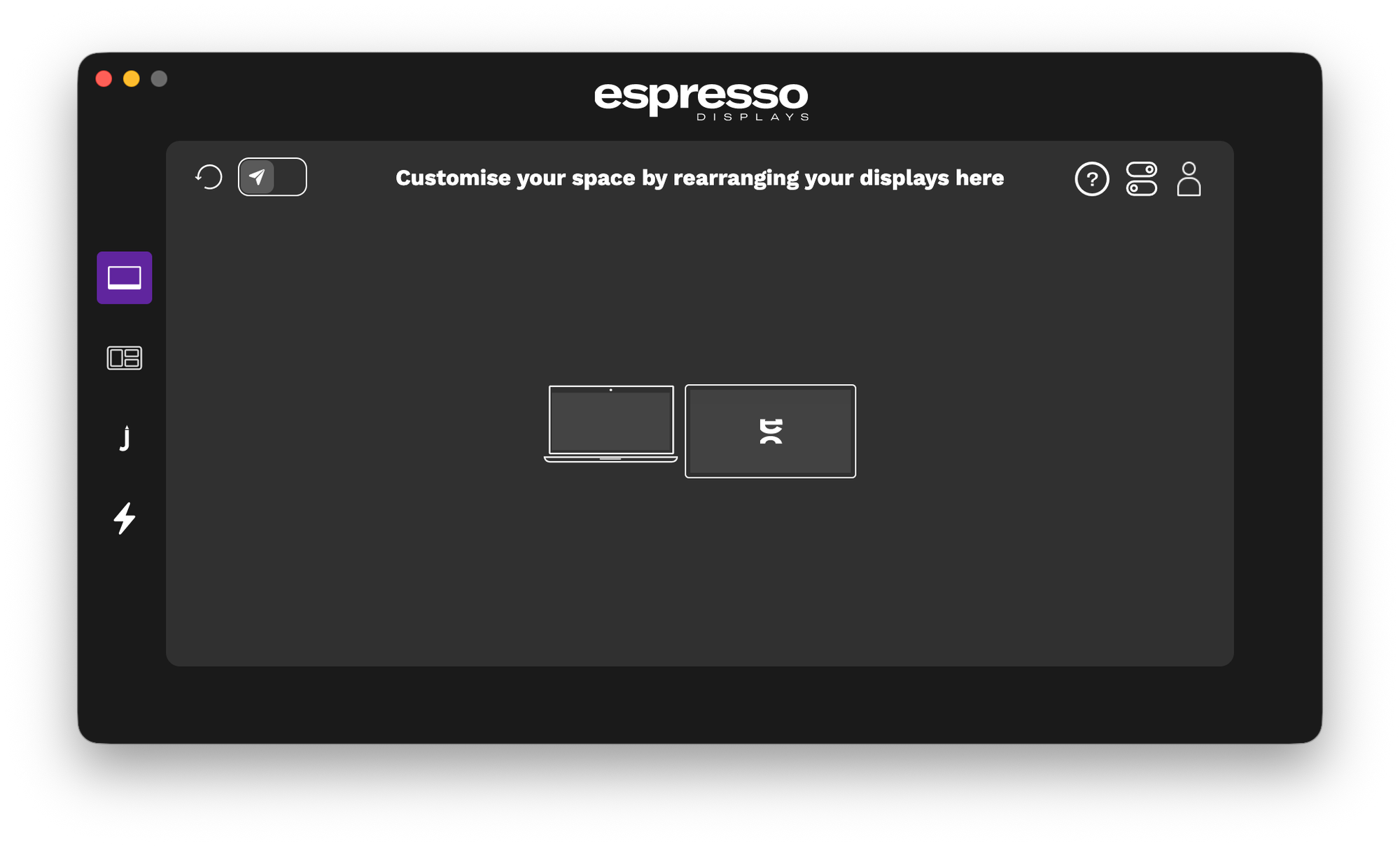
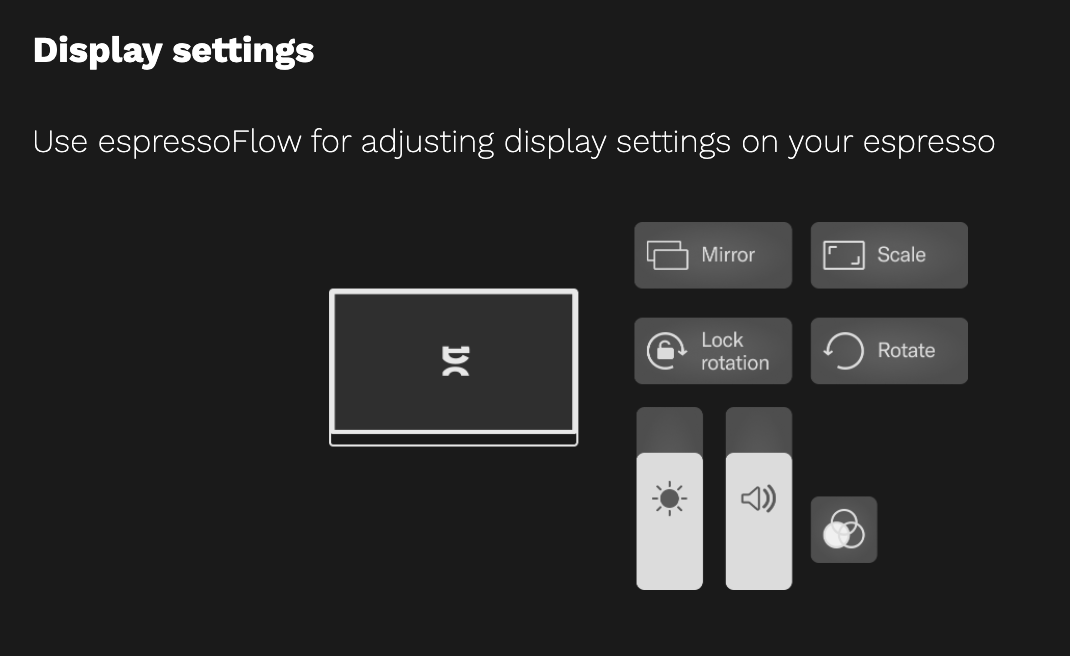
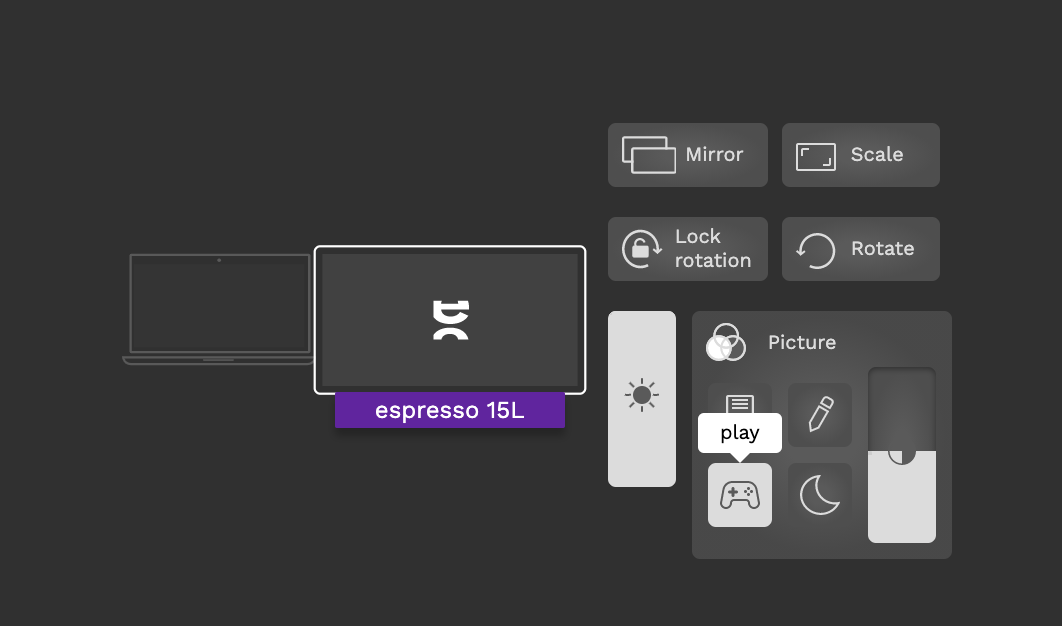
The Lite works as a second display without installing software, but I recommend espressoFlow for some extra controls. There's no on-screen settings, adjustments like brightness are controlled through the app instead. The screen does seem to remember what was last set even if you move it between computers.
Who's It For
The Lite makes sense for someone who wants a portable second screen for everyday work: reference documents, messages and other windows that would otherwise compete for space on a laptop.
It's particular worth considering if, like me, you already have a laptop display your happy to use for your main editing work. The extra screen can take on a supporting role without needing to match every aspect of the laptop's display.
Tech That Fits take
What I've appreciated most about the Lite is how readily I take it with me. It has held up well in my backpack, without the need for any extra case. It gives me more space to work and lets me arrange my screen around the task and the space available.
The difference beside my MacBook is visible, but that hasn't stopped it from being useful. For my workflow, having references and messages on their own screen is the main benefit. The simple front, even bezel and choice of colours all add to the appeal.
Right now, the espresso Lite 15 is the portable monitor I’d recommend first.
Pricing and Availability
The espressoLite is priced at $399 AUD in Australia, including the Stand+, USB-C cable and cleaning cloth.
It's available in five colours; Black, White, Orange, Mint and Purple.