


A beautiful OLED touchscreen, strong battery life and premium design make the Dell XPS 14 an appealing laptop for everyday use, although its premium price takes some consideration.
Dell loaned me the XPS 14 a week before IFA, which gave me a good reason to spend some proper time using a Windows laptop again. Coming from a MacBook Pro, I wanted to see how easily it would fit into my usual routine.
I committed to taking it travelling rather than leaving it on my desk. Nearly six weeks later, I’ve used it for work and entertainment, including some Xbox Cloud Gaming on a long-haul Qatar Airways flight.
Essentials
- Model: Dell XPS 14 (2026), DA14260
- Processor: Intel Core Ultra X7 358H
- Memory: 32GB RAM at 9600 MT/s
- Graphics: Integrated Intel Arc B390
- Display: 14-inch 2.8K OLED touchscreen, 2880 × 1800 resolution, 20–120Hz variable refresh rate and Dolby Vision support
- Storage: 1TB
- Connections: Three Thunderbolt 4 USB-C ports and a 3.5mm headphone jack
- Webcam: 8MP camera with 4K video and Windows Hello facial recognition
- Audio: Quad-speaker system with 10W total output
- Wireless: Tri-band Wi-Fi 7 (2.4GHz, 5GHz and 6GHz) and Bluetooth 6.0
- Charging: Supplied 100W USB-C adapter
- Weight: 1.36kg
- Operating system: Windows 11 Home
Living With It
This was my first extended return to a Windows laptop in a long time, but getting back to my usual files and services was fairly straightforward.
Dropbox is still my main document store, so accessing my files was largely a matter of signing in. The same went for Office and the other cloud-based services I use. Having those familiar tools available made the change easier.
I’ll often have more than 20 browser tabs open at once. The XPS 14 handled that workload comfortably, fitting in with the way I actually work.
Facial recognition made logging in quick and easy too. It’s a small convenience, but one I appreciated throughout my time with the laptop.
The aluminium chassis feels solid and premium. I felt comfortable putting it in my backpack alongside everything else, without feeling like I had to be overly precious with it.
Copilot+ and AI
The XPS 14 is also a Copilot+ PC. Its Intel Core Ultra X7 processor includes a dedicated AI processor, called an NPU, which can handle supported AI tasks directly on the laptop.
Some of the more practical features include searching for files and photos by describing what you're looking for, rather than remembering the exact filename. For the webcam it can do things like blur your background, improve lighting and filter out background noise picked up by the microphone. It's doing this locally on the laptop, although the apps you're using may still need an internet connection.
Design and Keyboard
For me, 14 inches is a sweet spot for a laptop. There’s enough screen space to comfortably multitask, while the XPS 14 stays light and portable enough to take travelling. If you prefer something smaller or want more room to work, the XPS range also includes 13-inch and 16-inch models.
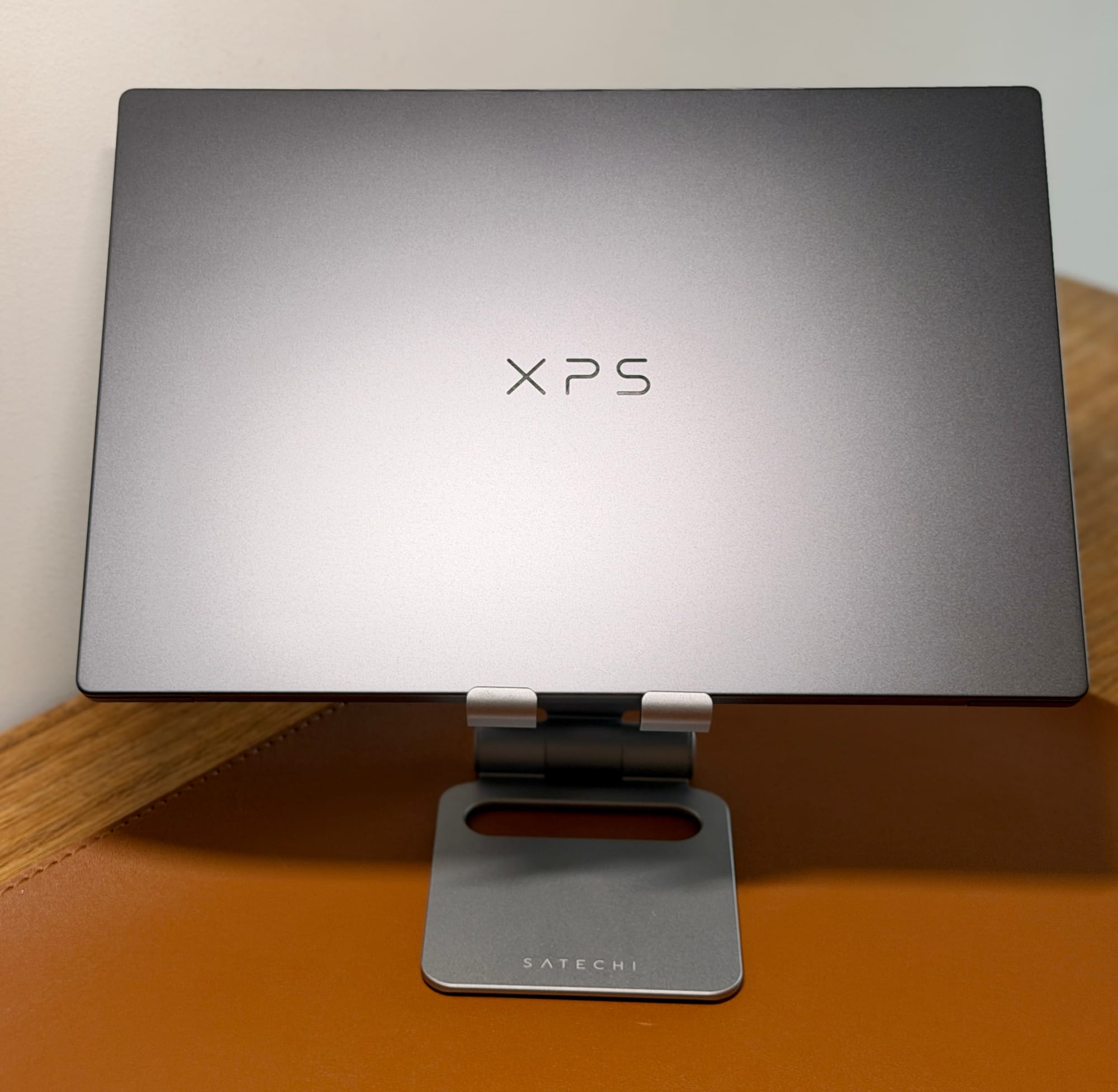
The XPS 14 is a stunning laptop. Its aluminium chassis feels well made, while the glass palm rest keeps the design clean. The lid carries the XPS name, something I learnt stands for "Extreme Performance System", rather than a Dell logo.
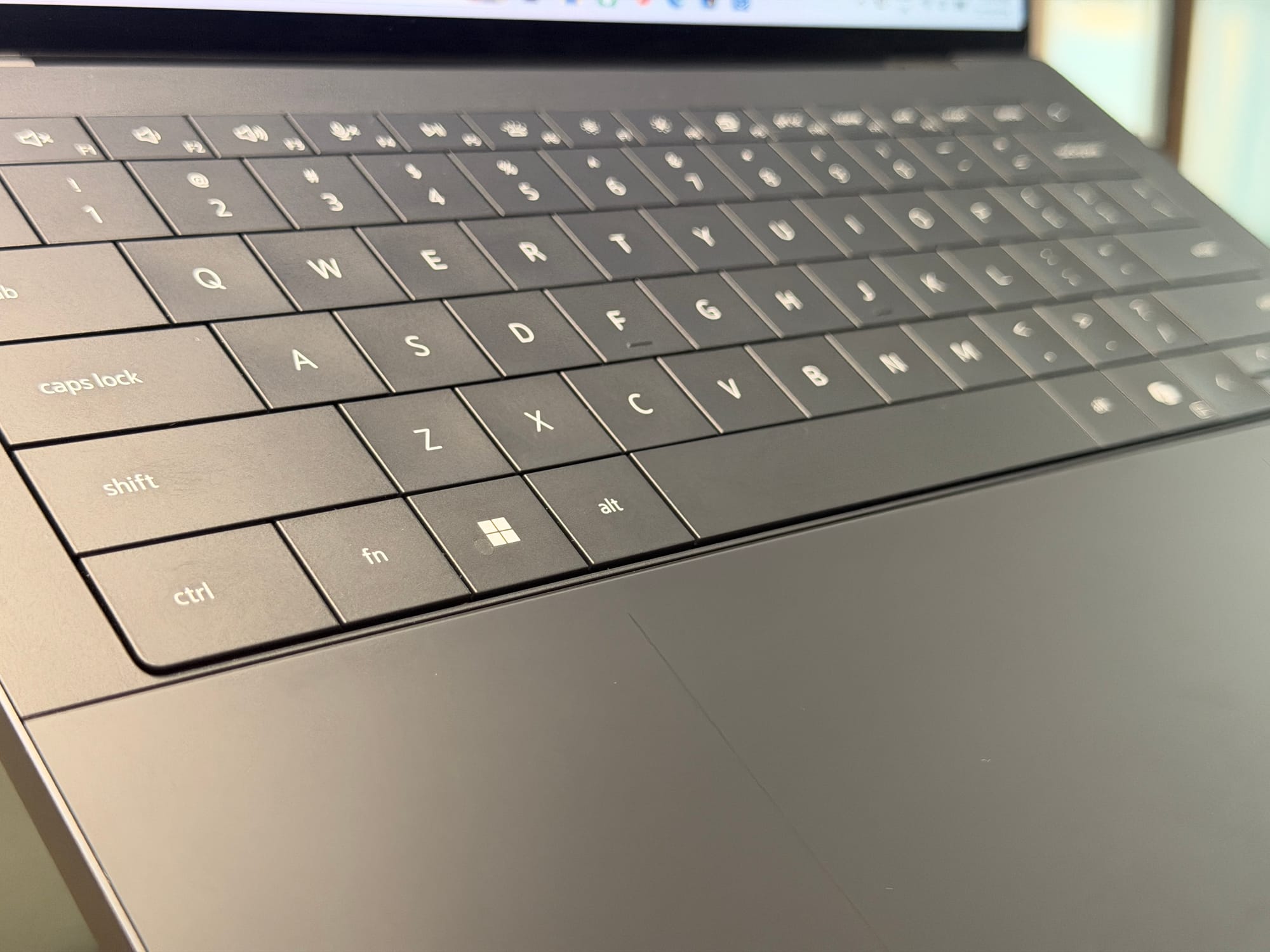
The keyboard’s large keys sit almost edge to edge, with very little space between them. I’d seen comments that this could make individual keys harder to distinguish by touch, but it wasn’t much of an issue for me.
Each key has a slight dip in the centre, which helped me feel where my fingers were sitting. The close spacing wasn’t the obstacle I thought it might be.
Below the keyboard, the glass haptic trackpad has etched boundary lines. Being able to feel where it starts and ends is a useful detail in such a minimal design.
Screen and Speakers
The screen has been one of my favourite things about the XPS 14. The review unit has a 14-inch OLED touchscreen with a 2880 × 1800 resolution and a variable refresh rate of up to 120Hz.
The OLED display, with individually lit pixels, allows deep blacks, and the screen has looked excellent in everyday use. I’ve also particularly enjoyed having touch support, giving me another way to interact with the laptop alongside the keyboard and trackpad.
The speakers have impressed me too. The audio is loud and clear. Together, the screen and sound make this a laptop I’ve enjoyed using for entertainment as well as work.
Battery and Charging
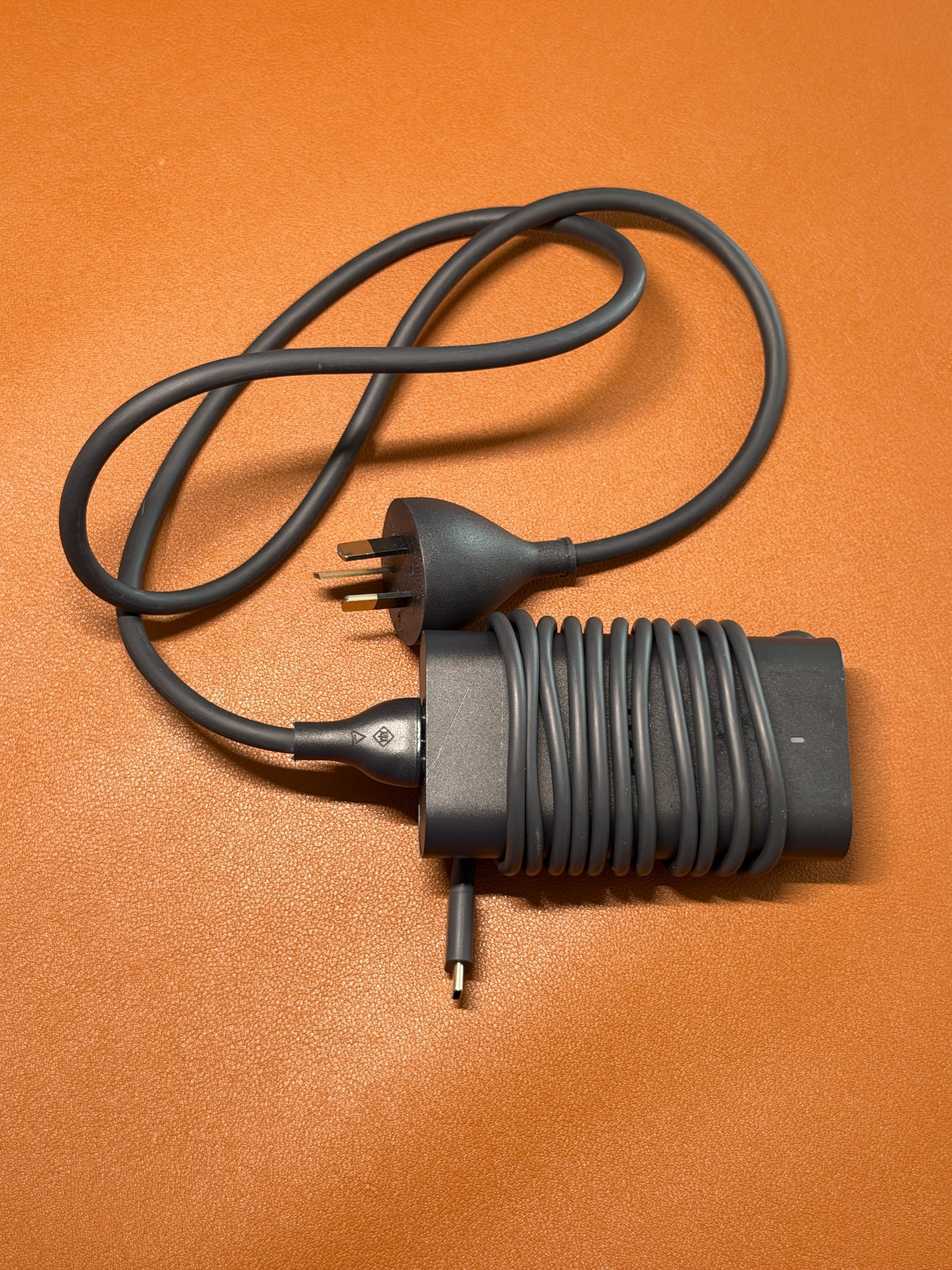
Battery life has been strong in my everyday use. On days when I wasn't gaming, it easily lasted the whole day, and the supplied 100W USB-C charger topped it up quickly.
Those are impressions from travelling with it, rather than measured results from a controlled battery rundown or timed charging test. For this review, I’ve focused on how the laptop fits into my routine rather than running a suite of benchmarks. This is our first laptop review.
Making Room for Gaming
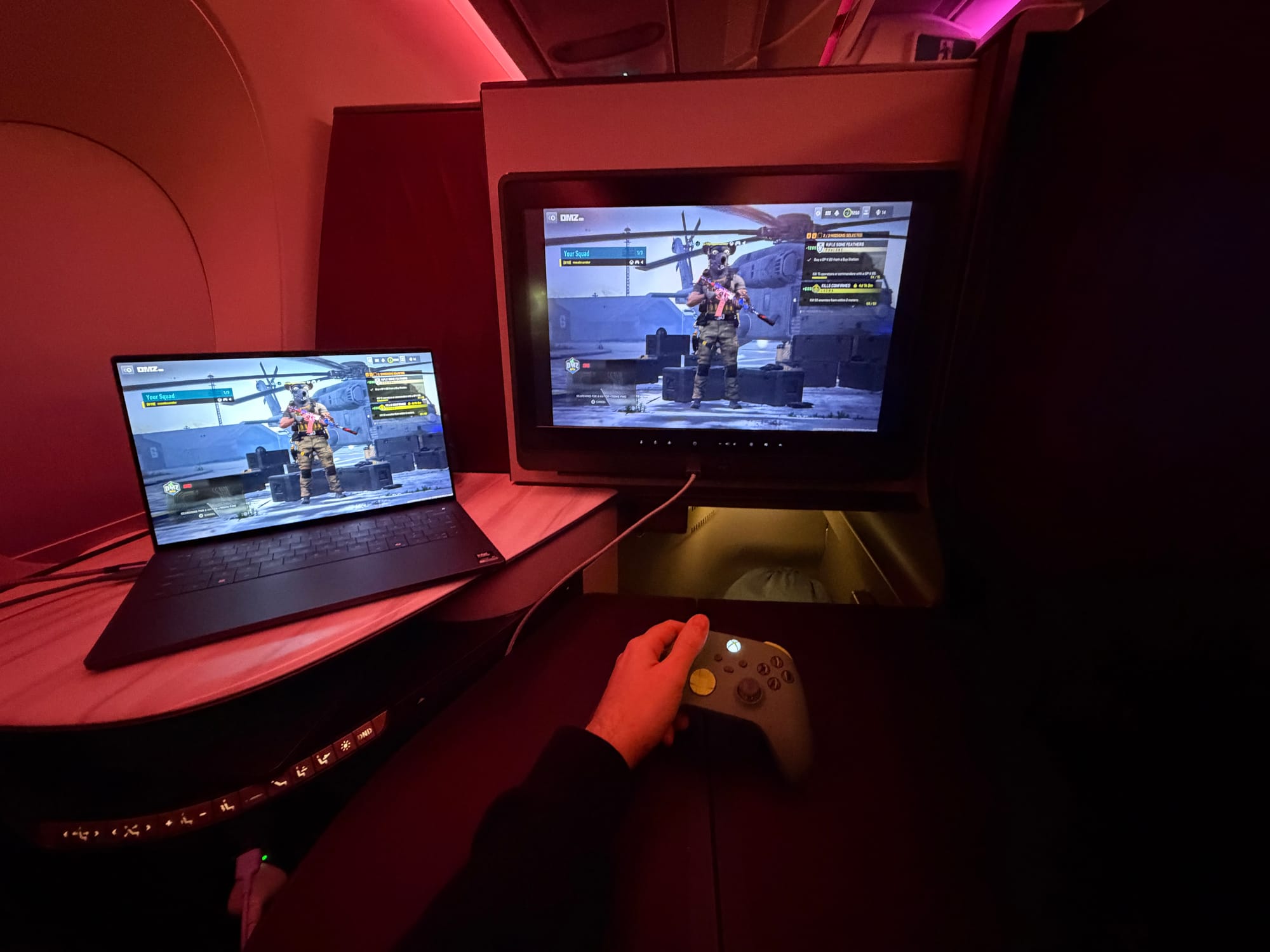
Work-life balance matters, even when I’m travelling. Windows 11’s Xbox mode gives gaming a more natural place on the laptop, with a full-screen interface designed to be navigated using a controller. You can browse and launch games, then return to the desktop when it’s time to work.
My Xbox accessories connected easily, and I spent some time using Xbox Cloud Gaming. The most unexpected place I managed to play was on a Qatar Airways flight, thanks to its Starlink connection.
That experience says more about the connection and the convenience of cloud gaming than the laptop’s graphics performance. The game is running remotely, so it isn’t a test of how the XPS handles demanding games locally. But being able to take a controller along and play while travelling was a welcome part of the experience.
Small Details
There are three USB-C ports, all supporting Thunderbolt 4 for accessories, displays and charging. They provide data transfer up to 40Gbps. There’s also a 3.5mm headphone jack if you prefer wired headphones.
The laptop weighs roughly 1.36kg.
Price and availability
At the time of writing, the continuation reviewed here costs $5,551.85 and can be purchased directly from Dell.
Price is my biggest hesitation. I’ve enjoyed the screen, build quality and everyday conveniences, but this is a premium laptop. Those qualities need to matter to you to justify the spend.
One thing I like about buying directly from Dell is being able to choose a configuration that suits your needs and budget. Depending on the options available, you can spend more on the features that matter to you and save on those that don’t. You don’t necessarily need the same configuration I’ve reviewed here.
Tech That Fits Take
After nearly six weeks, the XPS 14 has made returning to Windows feel fairly straightforward. My files and familiar services were easy to access, while the touchscreen, facial recognition and strong battery life were things I appreciated day to day.
I’d recommend the XPS 14 to someone who wants one laptop for everyday work and entertainment, whether at a desk, on the sofa or travelling. The 14-inch screen gives you room to multitask while still being easy to carry around. The OLED touchscreen, good speakers and strong battery life make it enjoyable to use beyond work. The premium here is in the overall experience: the build, the screen and the small conveniences you appreciate every day.
Disclosure: Dell loaned the XPS 14 for this review. Read our Editorial Policy.